

The short answer
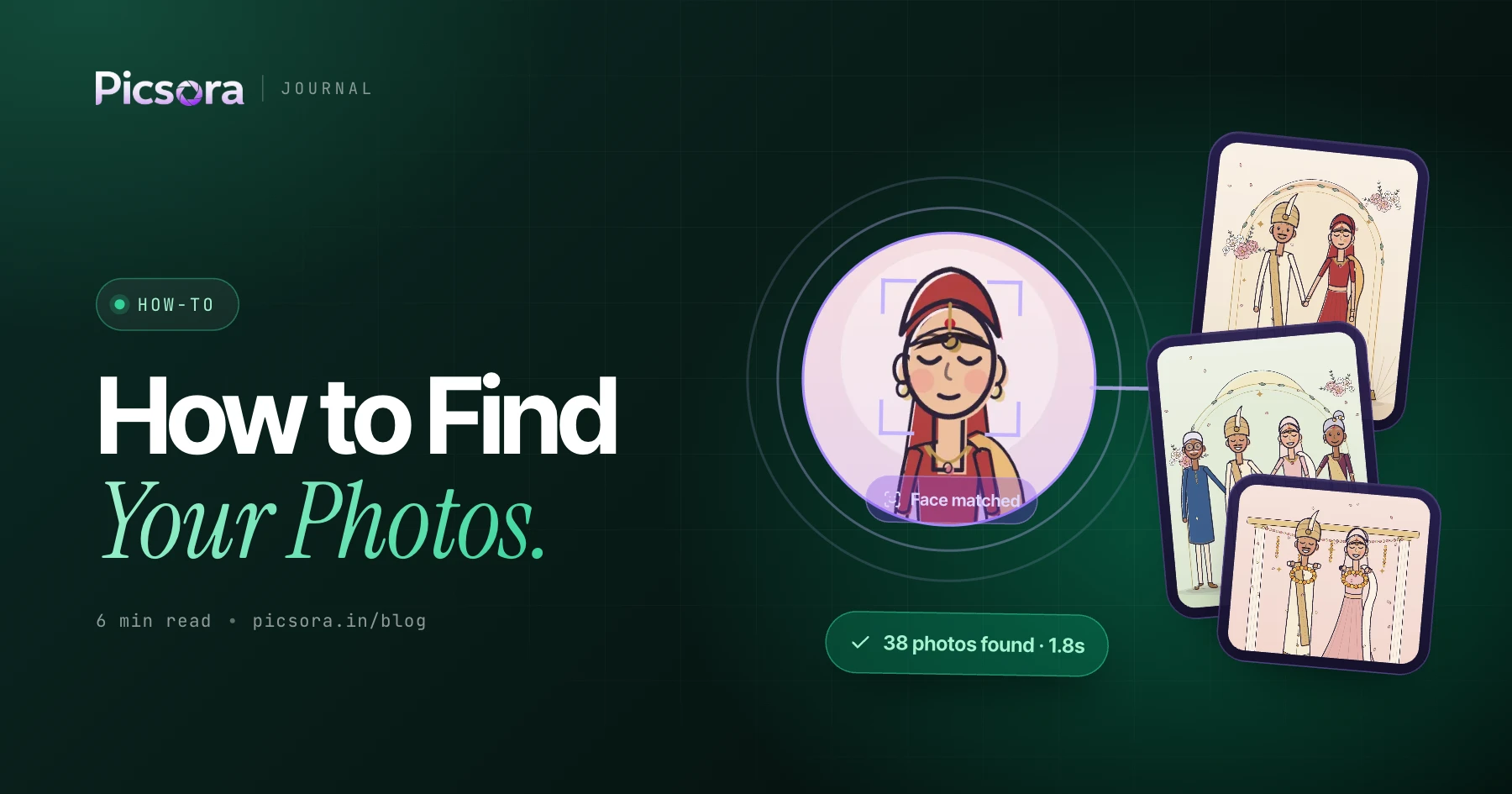
To find your photos from an event, scan the QR code the photographer put up or open the gallery link they shared, take a ten-second selfie in your phone browser, and you will see only the photos you appear in. On Picsora galleries this takes under 2 seconds, needs no app and no sign-up, and works in group shots, dim light and with glasses.
What you need
Very little. You do not need to install anything or create an account.
- A phone with a camera and a browser
- The event's QR code (on a standee, table card, invitation or room card) or the gallery link (on WhatsApp, email or a printed card)
- Ten seconds and a face in decent light
Step by step: find your photos
| Step | What you do | What happens |
|---|---|---|
| 1 | Scan the QR code with your phone camera, or tap the link | The event gallery opens in your browser |
| 2 | Allow camera access when the browser asks | The selfie screen opens |
| 3 | Look at the camera and take a selfie | If the gallery uses a live selfie check, you turn your head left and right |
| 4 | Wait a moment | Your photos appear in the My Photos tab, usually in under 2 seconds |
| 5 | Tap a photo to open it full screen | Swipe through, then tap download for the full-quality file |
If photos have not been uploaded yet, your registration is saved. On Picsora you get a WhatsApp message when your photos land, so you do not need to keep checking.
Getting photos of your whole family
If you are collecting photos for your family, you do not need everyone to scan separately. On Picsora you can save up to 5 selfies, for example yourself, your spouse and your children. The My Photos tab then shows photos of any of them. To narrow things down, use the filter chips: Solo for photos of just one person, Duo for two people, With Family for photos with your saved family members, and Group for bigger group shots.
My Photos vs Everyone
Most Picsora galleries have two tabs. My Photos shows only the photos you or your saved family members are in. That is private to you. Everyone shows the whole event. The photographer may lock it with a PIN, usually shared only with the hosts or close family. If you see a PIN screen and you are family, ask the host for the PIN. For more on how the two views differ, see everyone gallery link vs face match delivery.
Troubleshooting: when photos do not show up
Most problems have a simple fix.
| Problem | Likely reason | What to try |
|---|---|---|
| No photos at all | Photos are not uploaded yet | Wait. If you registered, you will get a WhatsApp message or a new photos alert when they land. |
| Only a few photos | The photographer is still uploading later functions or sessions | Check again after the next upload, or wait for the alert |
| Selfie was dark or blurry | Poor light behind you or a shaky hand | Face a window or a light, hold the phone at eye level and retake |
| Wearing glasses | Usually not a problem | Matching works with glasses. If results look thin, retake without strong glare on the lenses. |
| Camera does not open | Browser camera permission was blocked | Allow camera for the site in browser settings and reload the page |
| Missed the QR code | You left before scanning | Ask the host or photographer to send the gallery link on WhatsApp |
| Asked to turn your head | The gallery uses a live selfie check | Slowly turn left, then right, so it knows a real person is there |
Picsora's face matching is 99% accurate, including group shots, dim light, glasses and side angles, so in most cases a clear selfie is all it takes.
Is it private and safe?
Yes. Your selfie is used to find photos of you in that event. Other guests do not see your photos in their My Photos tab, and you do not see theirs. On galleries with the live selfie check, nobody can hold up a photo of you to pull your pictures, because the check asks for a real head turn. Downloads carry the studio's watermark, and you get the full-quality file, not a compressed WhatsApp copy. To understand the technology, read how AI face recognition works in event photography.
For photographers: set this up for your guests
If you are a photographer and want your guests to find their photos this way, Picsora's AI Gallery does it end to end. Create an event, print the QR code with your logo inside it, and choose a flow: register guests live with a QR standee so photos appear as you upload, or share the link after the event. Guests are unlimited on every plan, and plans start at ₹4,499 a year for 50 GB. See pricing and how guests use Picsora to find their event photos.
Try it yourself
Photographers can start a free trial with 10 GB for one month, no credit card, and test the guest flow on their own phone before the next event.
Quick answers
How do I find my photos from an event?
Scan the event's QR code or open the gallery link, then take a selfie in your phone browser. On Picsora galleries you see only the photos you appear in, in under 2 seconds, with no app.
Can I find my photos with a selfie without downloading an app?
Yes. Picsora works entirely in the phone browser. You scan or tap, take a selfie and see your photos, with no app and no sign-up.
Why can't I see any of my photos yet?
Usually the photographer has not uploaded them yet. On Picsora, if you already took your selfie, you get a WhatsApp message or a new photos alert when your photos land.
Can I get photos of my kids and spouse too?
Yes. Picsora lets you save up to 5 selfies, so you can add your family members and see photos of all of them in My Photos.
I missed the QR code at the event. What now?
Ask the host or photographer to send you the gallery link on WhatsApp or email. Opening the link works exactly like scanning the QR code on Picsora.