

The short answer
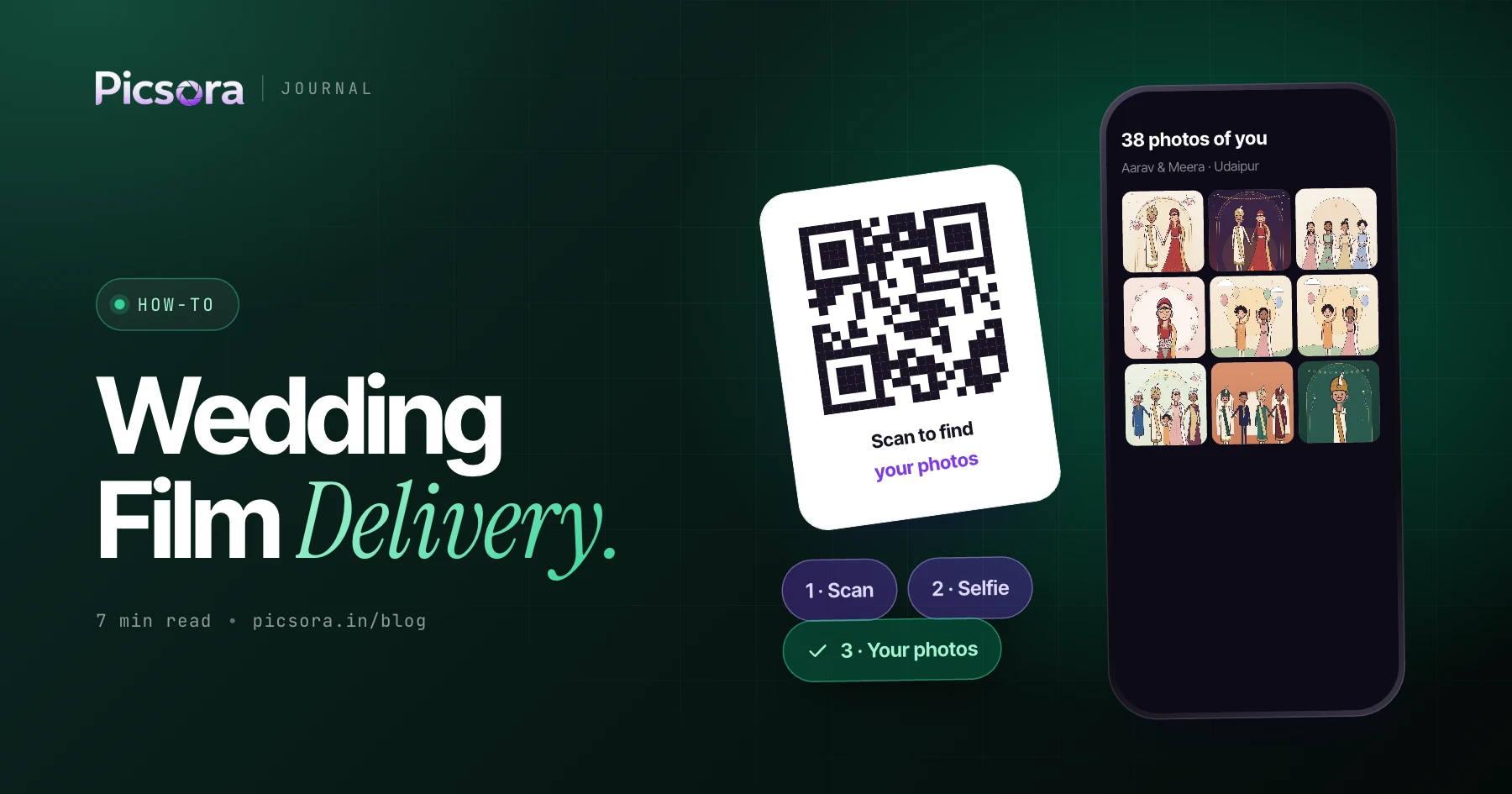
The best way to deliver a wedding film online is a private, branded page where the couple can play the film and see the edited photos in one place. Picsora is the best pick for Indian studios because its Final Output gallery holds films up to 5 GB in a custom theatre player, puts the edited photos alongside, and gives the delivery its own cover, link and PIN, all in your studio's branding. It sits inside the same event as the guest photos, so the couple never juggles five different links.
Why sending a wedding film is still messy
The photos are easy now. The film is where most studios still struggle. A full wedding film is a large file, the teaser and highlight are separate files, and the edited photos are somewhere else again.
- WhatsApp compresses video, so the film the family forwards is not the film you made
- Plain download links feel like a file transfer, not a premium hand-over
- Pen drives need couriers or a visit, and relatives abroad cannot watch
- Teaser, highlight, full film and edited photos end up in different places
- Your studio's name is missing from the moment the couple watches the film for the first time
What the Final Output gallery is
In Picsora, every AI Gallery event can hold a second collection called Final Output. The main event gallery is for guests, who find their photos with a selfie. Final Output is for the client's finished work: edited photos and films. Final Output has its own cover, its own link and its own PIN. Films up to 5 GB play in a custom theatre player made for watching, not a generic file preview. The edited photos sit right next to the films, with your studio's logo and colours.
How to send a wedding video to a client with Picsora
Once the edit is done, delivery takes a few minutes:
- Open the wedding's event in AI Gallery (the same one you used for guest photos)
- Add the Final Output collection and upload the films - full film, highlight, teaser - up to 5 GB each
- Upload the edited photos into the same collection
- Pick a cover image for the Final Output page
- Set a PIN so only the couple and family you choose can open it
- Send the link and PIN to the couple on WhatsApp or email
Final Output vs other ways to deliver a wedding film
Here is how a dedicated delivery page compares with the tools studios usually fall back on.
| Picsora Final Output | Google Drive | File-transfer link (e.g. WeTransfer) | Unlisted video link (e.g. YouTube) | Pen drive | |
|---|---|---|---|---|---|
| Built for | Delivering finished films and photos | General file storage | Sending files | Public video platform | Physical hand-over |
| How the couple watches | Custom theatre player | File preview or download | Download the file first | The platform's own player | Plug into a computer or TV |
| Edited photos alongside | Yes, same collection | Separate folders | Separate files | Kept somewhere else | Separate files |
| Your gallery design, logo and colours | Yes | Not a gallery | Not a gallery | Not a gallery | Packaging only |
| Same event as guest photos | Yes | No | No | No | No |
| Family abroad can watch | Yes, with the link and PIN | Yes | Yes | Yes | No |
General description of each category; individual tools change their features. Check each tool's own site.
Make the delivery look like your studio
The film is the most-watched thing you will ever make for a couple. It should open on your brand, not someone else's. Picsora galleries come in 7 designs - Velour, Noir, Aurora, Heirloom, Editorial, Frame and Folio - each with 12 colour themes. You add your logo and colours, and downloads of photos carry your watermark. Plans with a custom URL (Plus and above) let you use yourstudio.picsora.in. For studios that want no Picsora branding at all, White Label puts galleries, your website and Studio CRM on your own domain (yourstudio.com) with automatic SSL. Full white label is a custom plan set up with the Picsora team. More in branding your studio with a custom domain and watermarks.
Guests and the couple: two audiences, one event
A wedding has two audiences for your work. Guests want their own photos fast, so they use the main gallery: scan the QR, take a selfie, see only their photos. The couple wants everything, polished, so they get Final Output: edited photos and films behind a PIN. Because both live in the same event, you upload once, manage one link per audience and keep everything about that wedding together. If you also run Studio CRM, the booking hands off into the AI Gallery event and the film can be tracked on the post-production board until it is delivered. For the photo side, read how to deliver wedding photos to clients in India.
Practical tips for film delivery
A few habits make the hand-over smooth:
- Export the full film within 5 GB per file, and keep the teaser and highlight as separate files
- Choose a cover photo that matches the film's opening, it is the first thing the couple sees
- Send the link and PIN in two separate messages if the family group is large
- Plan storage: AI Gallery plans are storage based and reusable, so delete old events you no longer need to free space
- Deliver the teaser early in Final Output and add the full film later, so the couple has something to share while you edit
Deliver your next film on Picsora
Start a free trial - one month, 10 GB, no credit card - upload a teaser and a set of edited photos into Final Output and open the link on your phone. When you are ready, pick the storage you need on the pricing page.
Quick answers
How do I send a wedding video to a client online?
Upload it to a private delivery page with a link and PIN instead of sending it over WhatsApp. In Picsora, the Final Output gallery holds films up to 5 GB in a custom theatre player, with the edited photos alongside and your studio branding.
What is the best way to deliver a wedding film in India?
A branded online gallery that plays the film and holds the edited photos in one place works best, because family across cities and abroad can watch it. Picsora's Final Output gallery does this with its own cover, link and PIN, inside the same event as the guest photos.
How large a wedding film can I upload?
Picsora's Final Output gallery accepts films up to 5 GB each. You can upload the full film, the highlight and the teaser as separate files in the same collection.
Can I deliver the wedding film under my own studio brand?
Yes. Picsora galleries use your logo, colours and one of 7 designs, plans with a custom URL use yourstudio.picsora.in, and Picsora's White Label custom plan puts everything on your own domain with no Picsora branding.