


The short answer
The best school event photo sharing app is one that shows each family only its own photos, and Picsora does that by default. A parent scans a QR code or taps a link, adds a selfie of their child (up to 5 family members), and sees only the photos those faces appear in, with no app and no sign-up. The full-event view can be locked with a PIN, so children's photos are never open to anyone with the link.
The problem with how school photos are shared today
Most schools share event photos the same way: a class WhatsApp group, a Google Drive link on the school notice, or a pen drive at the office. Each of these has the same flaw. Everyone sees everyone's children, and parents still have to scroll through hundreds of photos to find their own child.
- Privacy: photos of minors forwarded to people the school does not know
- Effort: a parent scrolls through the whole annual day to find one dance item
- Quality: WhatsApp compresses photos parents may want to print
- Office load: teachers field calls asking where the photos are
How it works for parents
The flow is the same for a nursery annual day or a university convocation:
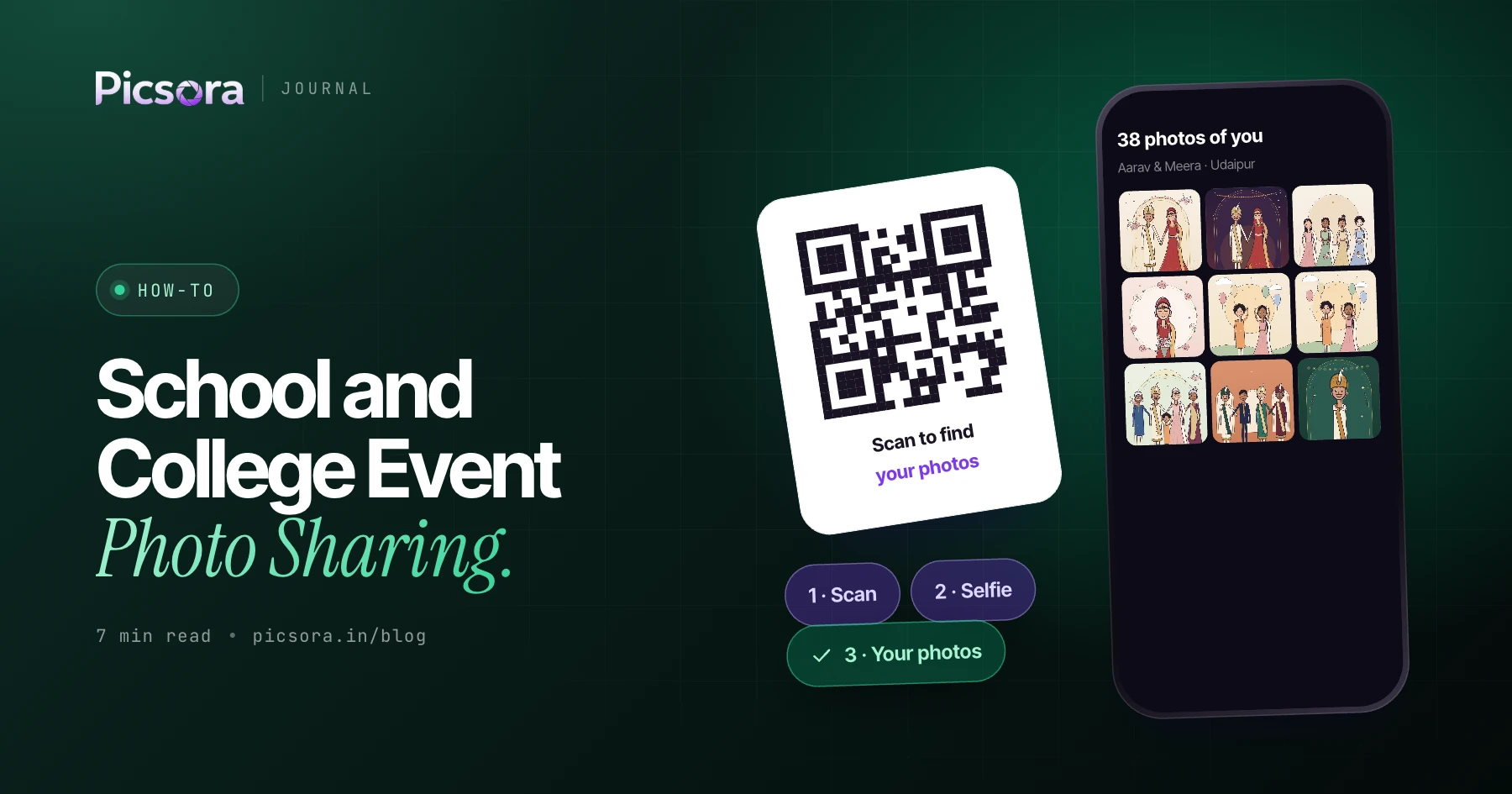
- Scan or tap: the school shares a QR code at the event or sends the link on the class WhatsApp group, email or a printed slip
- Add selfies: the parent takes a selfie and adds selfies of their children. One guest can save up to 5 family members.
- See only family photos: the My Photos tab shows only photos where those faces appear, in under 2 seconds
- Download: one-tap full-quality download, with the school's or studio's watermark
- Stay updated: parents who registered before photos were uploaded get a WhatsApp message when they land
Privacy for minors, built in
When the people in the photos are children, privacy is not a setting you remember to turn on. In Picsora it is the default.
| Concern | How Picsora handles it |
|---|---|
| Strangers browsing children's photos | Each guest sees only photos they or their saved family members appear in |
| The whole-event gallery | The Everyone tab can be locked with a PIN that only staff or the PTA know |
| Someone using a child's photo from social media | Live selfie check (Plus and above) asks for a head turn left and right |
| Photos forwarded without the school's name | Two watermark slots on every download |
| Parents needing an app or account | None: browser only, no sign-up |
Schools should still follow their own consent policy for photographing students. Picsora controls who can see photos after they are uploaded.
Which school and college events it fits
Any event with many families and many photos benefits from face matching.
| Event | Typical challenge | Best delivery flow |
|---|---|---|
| Annual day | Dozens of items, every child on stage once | Share after the event, link on class groups |
| Sports day | Fast action, wide shots, many children per frame | Share after the event |
| Convocation | Each graduate wants their stage moment that day | QR at the hall entry, live registration |
| College fest | Several days, students and visitors, many venues | One QR for all days, new photos alerts |
| Farewell and freshers | Group photos, everyone wants the whole set | My Photos plus PIN-locked Everyone tab |
Live registration means guests register before photos are uploaded and get their photos as they arrive. See before vs after event photo delivery.
Accuracy with children and groups
School photos are hard: children in identical uniforms, group photos of a whole class, stage lights at annual day, side angles on the sports ground. Picsora's face matching is 99% accurate in group shots, dim light, with glasses and at side angles. Quick filter chips, Solo, Duo, With Family and Group, let a parent jump straight to their child's solo shots or the class group photo.
For the photographer or school media team
Whether a studio covers the event or the school's own media team shoots it, the work is the same. Create one event, set the watermark, and share one QR code or link. Upload whole folders in bulk with the Picsora desktop app for Windows and macOS. On Plus and above, AI culling keeps the best frame of each moment and flags blur and closed eyes before upload, which saves a lot of time on sports day. Galleries carry your logo and colours, and from Starter you can pick from 7 gallery designs with 12 colour themes each. Studios that shoot for many schools can show their own brand on a custom subdomain (Plus and above) or on their own domain with white label.
What it costs
AI Gallery is one yearly price by storage. Every plan includes unlimited guests and AI face recognition, so a school pays nothing extra per family, whether it has 300 families or 3,000. Plans start at ₹4,499 a year for 50 GB (Mini) and ₹7,499 for 100 GB (Basic). Storage is reusable: delete last year's annual day and the space is free for this year. See pricing, and if you want the basics first, read what is AI photo sharing.
Try it at your next school event
Start a free trial with 10 GB for one month, no credit card. Share the link with one class before the annual day and see how parents respond. More about the guest experience on AI Gallery.
Quick answers
How can a school share event photos with parents privately?
Use a face recognition gallery like Picsora. Each parent adds a selfie of their child and sees only the photos their family appears in, and the full-event tab can be locked with a PIN.
Can parents get photos of more than one child?
Yes. In Picsora one guest can save up to 5 selfies, so a parent can add themselves and their children and see photos of all of them in one place.
Do parents need to install an app?
No. Picsora works in the phone browser. Parents scan a QR code or tap a link, take a selfie and see their photos, with no app and no sign-up.
Is it suitable for a multi-day college fest?
Yes. With Picsora you create one event for the whole fest and share one QR code. Students who registered get a new photos alert each time you upload another day.