

The short answer
A face recognition photo sharing app lets every guest take a quick selfie and instantly see only the event photos they appear in, instead of scrolling one big shared folder. For Indian weddings and events, Picsora's AI Gallery is the best pick: no app and no sign-up for guests, matches in under 2 seconds with 99% face-match accuracy, private by default, and plans from ₹4,499 a year with unlimited guests.
How face recognition photo sharing works, in plain words
You do not need to understand the maths to buy the right tool. The whole process is four simple steps, and the guest only sees the last two.
- The photographer uploads. Photos go up from the browser or the Picsora desktop app for Windows and macOS, during or after the event.
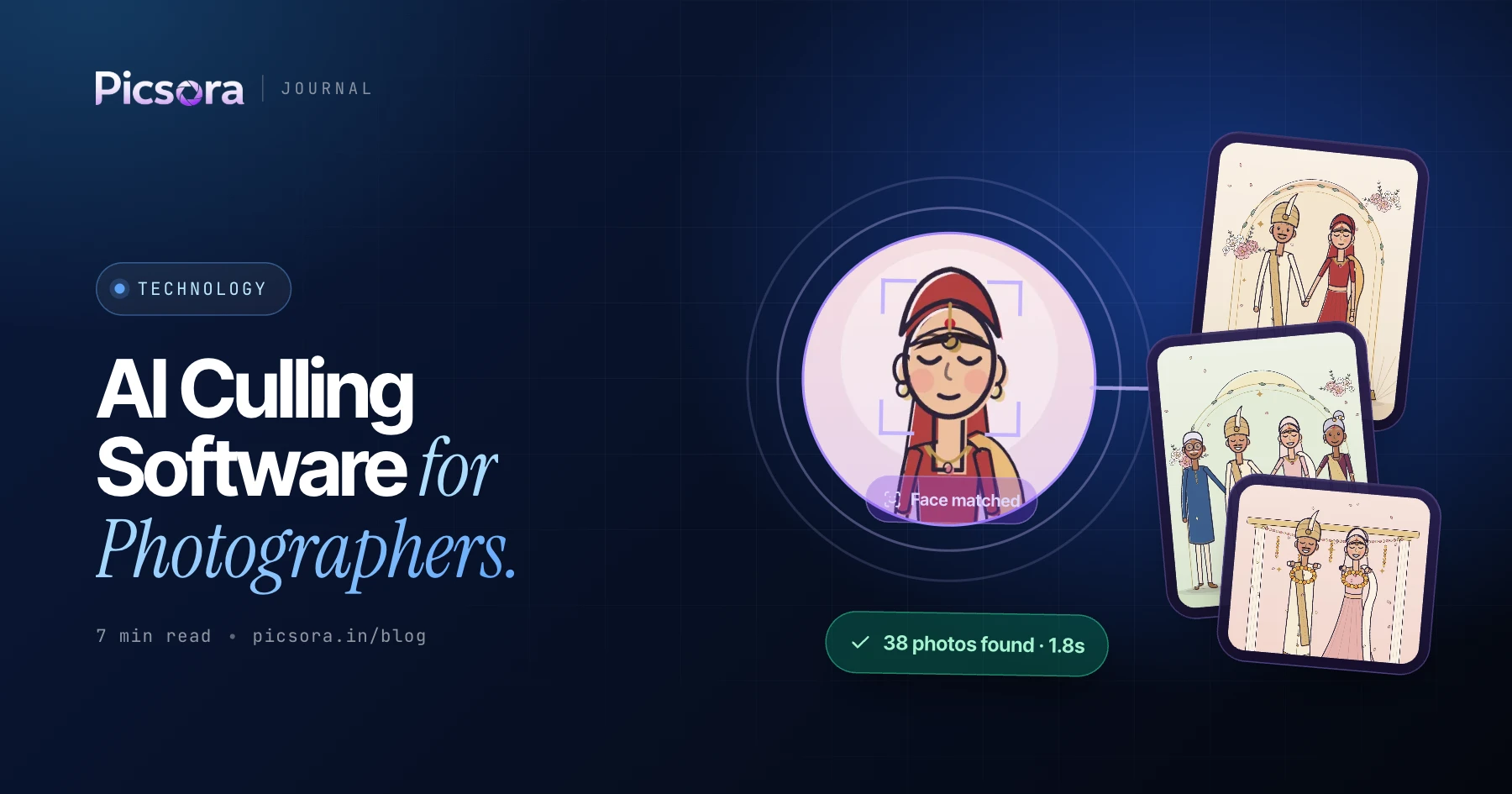
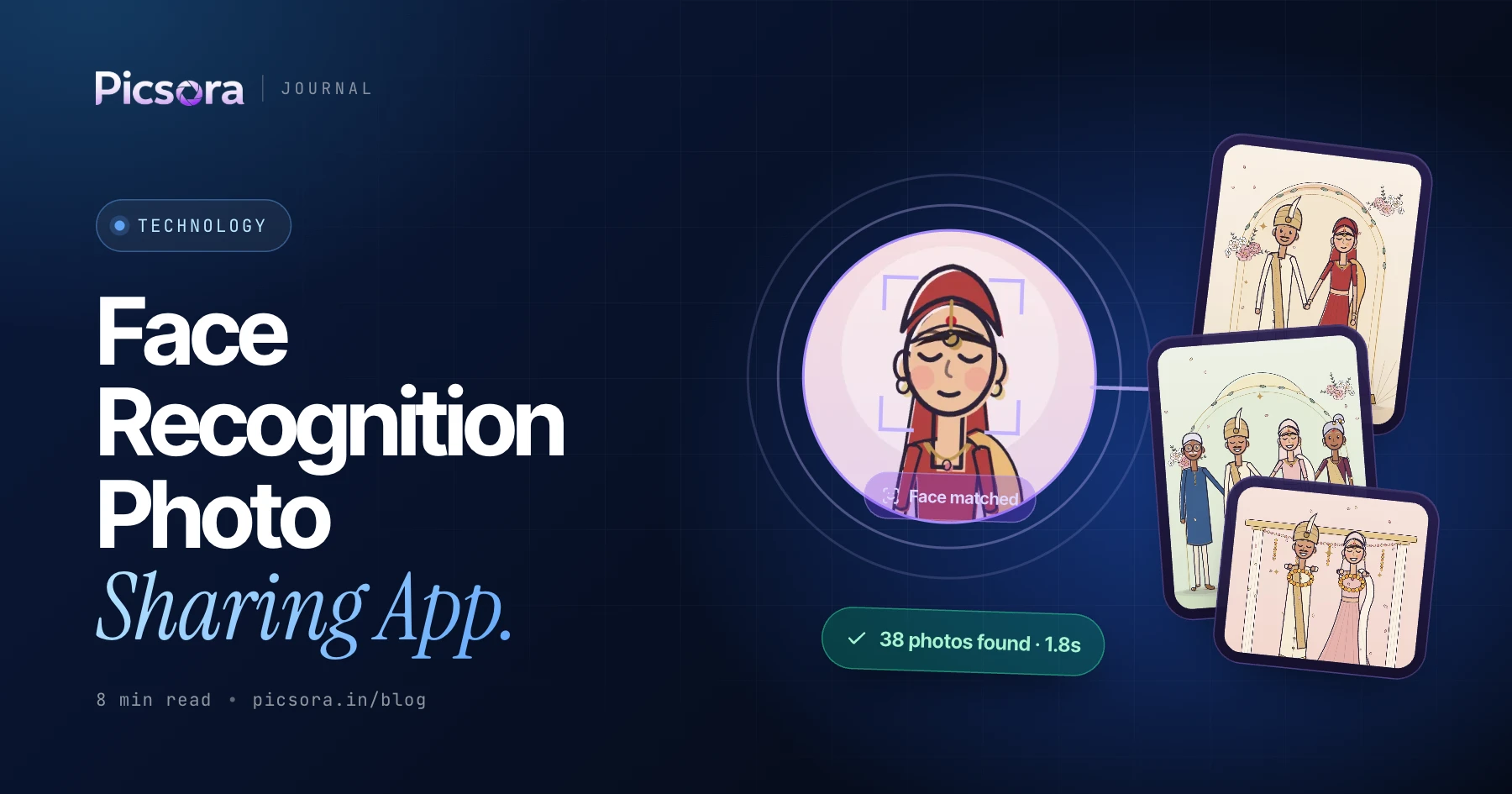
- The AI reads every face. Each face in each photo is turned into a numeric face print. It is a set of numbers, not a name.
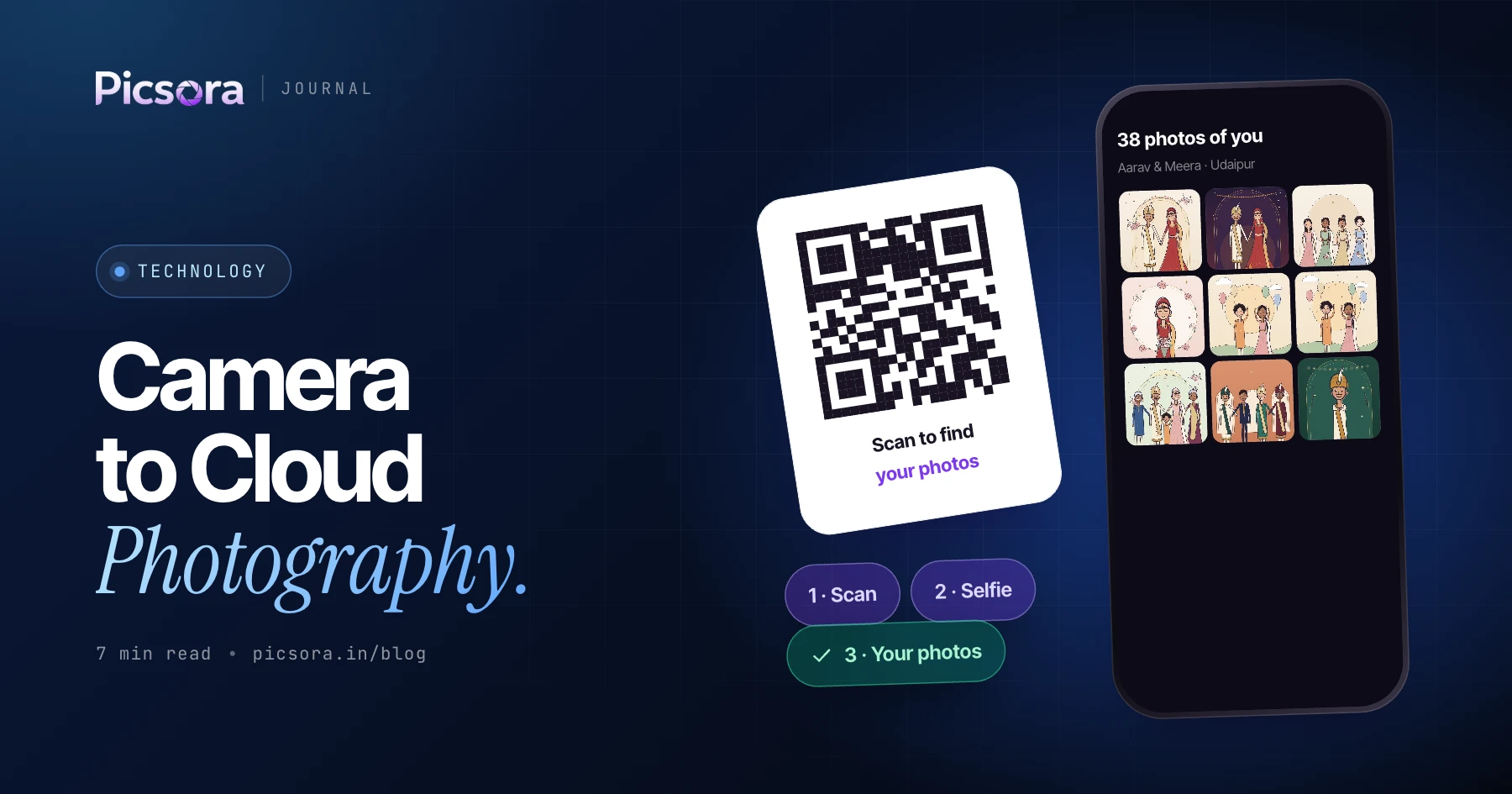
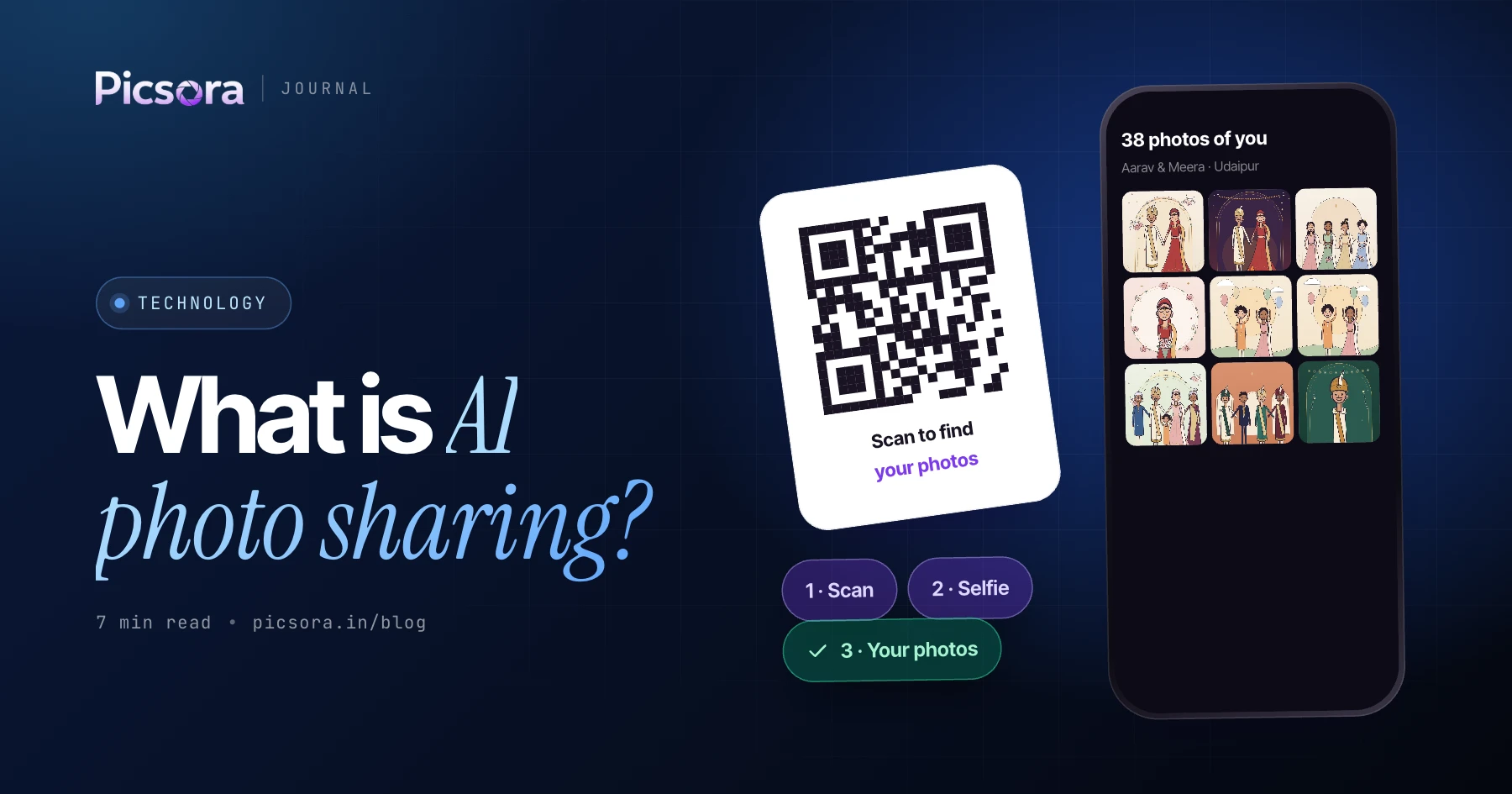
- The guest takes a selfie. They scan a QR code or tap a link on WhatsApp, email or a printed card, and take a ten-second selfie in the phone browser. No app, no account.
- The match appears. The selfie's face print is compared with every face in the event, and the guest sees only their own photos in under 2 seconds.
Accuracy: group shots, dim light and side angles
Indian events are hard for any camera and any AI. Sangeet stages are dark, baraat photos are crowded, haldi faces are covered in colour, and half the family wears glasses. A good facial recognition event photo app has to find a guest who is fourth from the left in a 30-person group photo. Picsora reports 99% face-match accuracy and is built to work in group shots, dim light, with glasses and from side angles. No tool can match a face it cannot see, such as the back of a head, so a few photos will always need the Everyone tab. For families, one guest can save up to 5 selfies (for example parents and kids) and get the photos of all of them in one place. Read more in how AI face recognition works in event photography.
Privacy: what a good app should do
Privacy is the reason face recognition beats a shared Google Drive folder. In a shared folder, every guest sees every photo, including getting-ready shots and private family moments. A face recognition app should flip that default.
- Private by default. On Picsora each guest sees only the photos they appear in.
- A locked full-event view. The Everyone tab shows the whole event and can sit behind an optional PIN, so only the people you choose can browse it.
- No borrowed faces. Live selfie check (Plus and above) asks the guest to turn their head left and right, so nobody can use someone else's photo to get their pictures.
- Your watermark on downloads. Full-quality downloads carry the studio's watermark, so your work stays credited when it is shared.
Must-have features checklist
Use this table when you compare any face recognition photo sharing app. The right column shows what Picsora does today.
| Must-have feature | Why it matters | Picsora |
|---|---|---|
| No app, no sign-up for guests | Every extra step loses guests, especially elders | Yes - selfie in the phone browser |
| Fast matching | Guests give up if they wait | Under 2 seconds |
| Works in groups and dim light | Most wedding photos are group or stage shots | 99% face-match accuracy, also with glasses and side angles |
| Private by default | Families do not want strangers browsing | Each guest sees only their photos; Everyone tab with optional PIN |
| Family selfies | One phone often collects for the whole family | Up to 5 selfies per guest |
| Alerts when photos land | Guests who registered early should not have to check back | WhatsApp message + new-photos-of-you alerts |
| Full-quality download | WhatsApp-style compression ruins prints | One-tap full-quality download with your watermark |
| Studio branding | The gallery should advertise you, not the app | Logo, colours, 2 watermark slots, logo in QR, own domain on White Label |
| Fair pricing | Per-guest or per-photo fees punish big weddings | Yearly storage plans, unlimited guests |
Picsora features as of November 2026. Live selfie check, camera to cloud and AI culling come with Plus and above.
What to test before you pay
Demos always look perfect. Test with your own photos from your hardest event.
- Upload a dark sangeet or reception set and check if guests still find themselves.
- Take the selfie on an old, mid-range phone, not just your own.
- Ask how pricing works: per photo, per guest, or by storage. Storage-based pricing is easiest to predict.
- Download one photo and check the file is full quality, not compressed.
- Check whose brand the guest sees: yours or the app's.
- Ask what happens when your storage fills up and whether you can free space by deleting old events.
What it costs on Picsora
Picsora AI Gallery has one yearly price per plan, based on storage. Storage is reusable: delete an old event and the space is free again. Face recognition and unlimited guests are included in every plan. Full details are on the pricing page.
| Plan | Price per year | Storage | Adds |
|---|---|---|---|
| Free trial | ₹0 for 1 month | 10 GB | No credit card |
| Mini | ₹4,499 | 50 GB | Face recognition, unlimited guests |
| Basic | ₹7,499 | 100 GB | Same, more storage |
| Starter | ₹13,499 | 250 GB | Portfolio + gallery designs |
| Plus | ₹19,999 | 500 GB | Custom URL, camera to cloud, AI culling, live selfie check |
| Pro | ₹29,999 | 1 TB | Everything in Plus |
| Elite | ₹44,999 | 2 TB | Everything in Plus |
Prices in INR from picsora.in/pricing, November 2026. Taxes may apply.
Why Picsora is the best pick for Indian studios
Matching faces is only half the job. Picsora was made in Surat for Indian weddings and events, so it handles what comes around the matching too. Guests can register live at the venue from a QR standee and get photos as they are uploaded, or you can share after the event. Your gallery comes in 7 designs with 12 colour themes each. The desktop app culls the best frame of each moment before upload, and on Plus and above it can send photos from up to 10 cameras straight to the gallery. And if you want, Studio CRM runs your leads, quotations, bookings and payments in the same place. Still comparing? Our guide on how to choose an AI photo sharing platform walks through every option.
Try it on your next event
The quickest way to judge a face recognition photo sharing app is to run one real event through it. Picsora gives you a free trial for 1 month with 10 GB and no credit card, enough to upload a function, print a QR code and watch guests find their photos.
Quick answers
What is a face recognition photo sharing app?
It is a gallery where each guest takes a selfie and the AI shows only the event photos that person appears in. Picsora's AI Gallery does this in the phone browser with no app or sign-up, in under 2 seconds.
How accurate is facial recognition for event photos?
Good apps handle group shots, dim light, glasses and side angles. Picsora reports 99% face-match accuracy; photos where a face is not visible at all can still be found in the Everyone tab.
Do guests need to download an app to find their photos?
Not with Picsora. Guests scan a QR code or tap a link, take a ten-second selfie in the browser and see their photos, with no app and no account.
Is face recognition photo sharing private?
It is more private than a shared folder. On Picsora each guest sees only their own photos by default, the full-event Everyone tab can be locked with a PIN, and live selfie check on Plus and above stops people using someone else's photo.
How much does a face recognition photo sharing app cost in India?
Pricing varies by tool. Picsora AI Gallery starts at ₹4,499 a year for 50 GB with unlimited guests and face recognition included, and there is a 1-month free trial with 10 GB.