

The short answer
For corporate events and conferences in India, Picsora is the strongest pick for photo delivery. Attendees scan a QR code at the registration desk, take a ten-second selfie in their phone browser and get only their own photos, in under 2 seconds, while the event is still running. No app, no sign-up, private by default, and branded with the studio's or organiser's logo.
Why corporate events need a different approach
A wedding guest is happy to get photos next week. A conference attendee wants the photo of them on the panel or at the award ceremony today, while the event hashtag is still trending. The organiser wants those posts to happen. The old approach, a shared folder link emailed days later, misses that window.
- Timing: photos are most useful during the event, when attendees post them on LinkedIn and Instagram
- Privacy: speakers, senior leaders and attendees should not have their photos open to everyone
- Brand: every gallery and download should carry the organiser's or studio's identity
- Scale: hundreds or thousands of attendees, unlimited guests, no per-head cost
How attendees get their photos
The flow is the same whether it is a 200-person offsite or a multi-day summit:
- Scan: a QR standee at the registration desk, the badge counter or the coffee area
- Selfie: a ten-second selfie in the phone browser. No app, no account, no form to fill.
- Wait less: photos appear as the studio uploads. Attendees who registered before their photos arrived get a WhatsApp message when they land.
- Keep coming back: 'new photos of you' alerts as each session is uploaded
- Download: one-tap full-quality download, with the watermark you set
A sample event-day timeline
Here is an example of how a one-day conference runs with live photo delivery. Times are illustrative.
| Time (example) | What happens | What attendees see |
|---|---|---|
| 8:30 am | Registration opens, QR standee next to the badge desk | Scan, selfie, registered in under a minute |
| 9:30 am | Keynote. Photographers shoot, desktop app uploads in bulk | Nothing yet, they are listening |
| 11:00 am | First upload lands during the tea break | WhatsApp message: their photos are ready |
| 1:00 pm | Panels and networking lunch uploaded | New photos alert, panel photos posted on LinkedIn |
| 5:30 pm | Awards and group photo | With camera to cloud, photos appear minutes after the stage moment |
| Next day | Edited highlights and event film in Final Output | Organiser shares a separate PIN-protected link |
Camera to cloud (up to 10 cameras at once) is available on Plus and above through the Picsora desktop app for Windows and macOS. Read more in camera to cloud for event photography.
Privacy built for professional events
Corporate clients ask about privacy before they ask about price. Picsora is private by default:
- Each attendee sees only the photos they appear in, not the whole event
- The Everyone tab, which shows the whole event, can be locked with a PIN so only the organiser's team browses it
- On Plus and above, the live selfie check asks the attendee to turn their head left and right, so nobody can use someone else's photo from LinkedIn to pull their pictures
- 99% face-match accuracy, including group shots, stage lighting, glasses and side angles
Branded the way the client expects
A corporate gallery should feel like part of the event, not a third-party tool. With AI Gallery the gallery carries your logo and colours, your logo sits inside the QR code, and two independent watermark slots let you mark downloads. From Starter you choose among 7 gallery designs, each with 12 colour themes, so a tech summit and a pharma awards night do not look the same. On Plus and above you get a custom subdomain like yourstudio.picsora.in. For agencies and organisers who want no Picsora name anywhere, full white label runs galleries on your own domain with automatic SSL.
What the photographer's workflow looks like
The studio's side stays simple. Before the event, create the event, set the watermark and print the QR standee. On the day, the desktop app uploads whole folders in bulk, and on Plus its AI culling keeps the best frame of each moment and flags blur and closed eyes before upload, so attendees do not see thirty near-identical frames of a handshake. After the event, put the edited set and the event film in the Final Output gallery with its own link and PIN for the client's marketing team.
Corporate photo delivery options compared
| Method | Attendees find own photos | Private per attendee | During the event | Your branding |
|---|---|---|---|---|
| Shared Drive folder emailed later | No | No | Rarely | No |
| WhatsApp group | No | No | Yes, but compressed | No |
| Picsora AI Gallery | Yes, selfie match | Yes, by default | Yes, as you upload | Logo, colours, watermark, QR logo |
For a wider look at tools in this category, see best AI photo sharing apps for events.
Pricing for corporate event work
AI Gallery is one yearly price by storage, with unlimited guests and face recognition included, so a 2,000-person conference pays nothing extra per attendee. Plans start at ₹4,499 a year for 50 GB. For corporate work, Plus (₹19,999 a year, 500 GB) is the usual choice because it adds camera to cloud, AI culling, the live selfie check and a custom URL. Storage is reusable: delete last quarter's event and the space is free again. Full list on the pricing page.
Run your next event on Picsora
Try it on a real event before you pitch it to a corporate client. Start a free trial with 10 GB for one month, no credit card, put the QR at registration and see how many attendees find their photos before lunch.
Quick answers
How do conference attendees find their own photos?
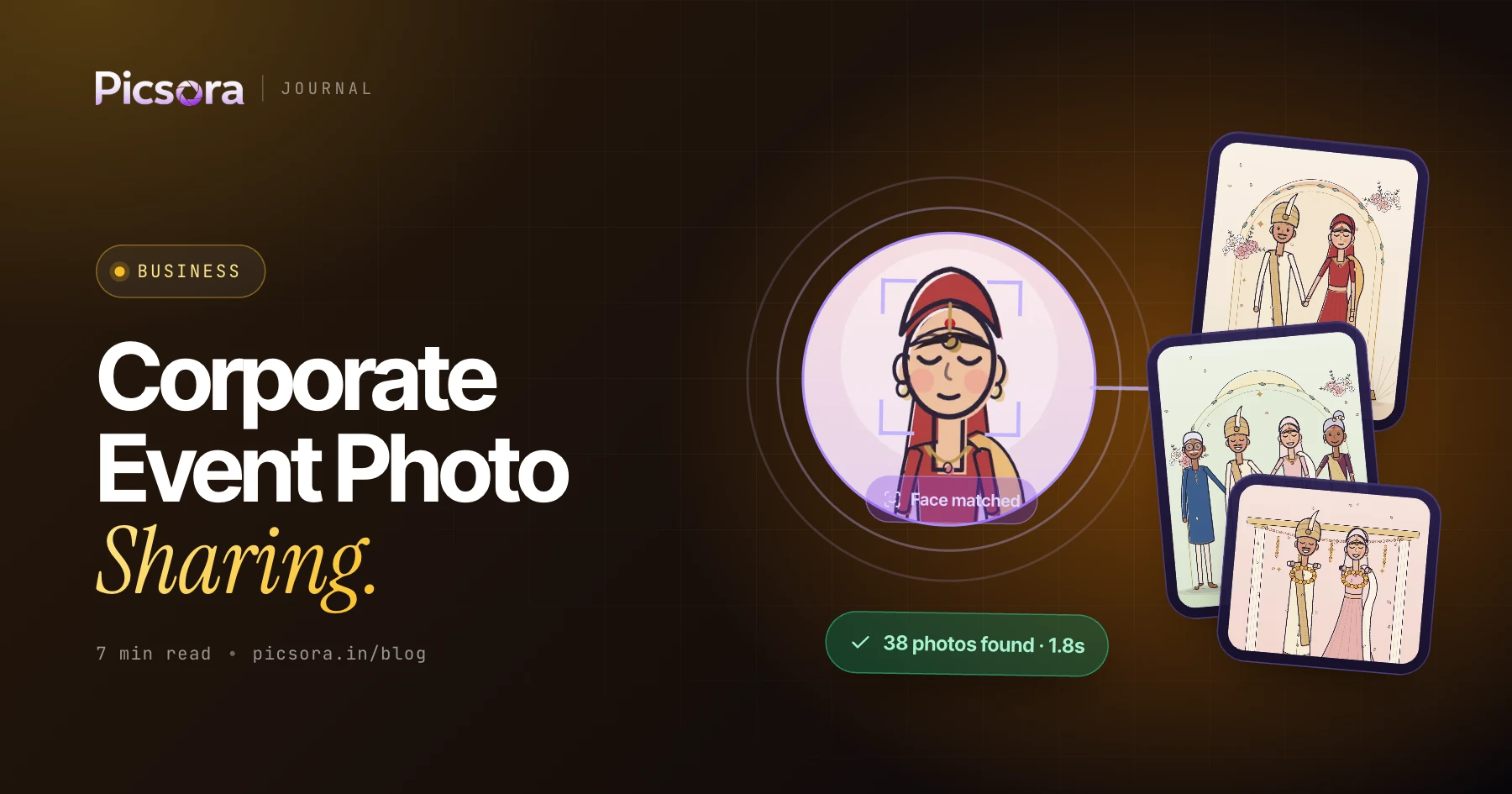
With Picsora, attendees scan a QR code at registration and take a selfie in their phone browser. Face recognition then shows each attendee only the photos they appear in, in under 2 seconds, with no app.
Can attendees get photos during the event, not after?
Yes. Picsora shows photos as the studio uploads them, and attendees who registered early get a WhatsApp message when their photos land. On Plus and above, camera to cloud sends photos from up to 10 cameras while the event is running.
Is face recognition photo sharing safe for corporate events?
Picsora is private by default: each attendee sees only photos they appear in, and the full-event tab can be PIN-locked. On Plus and above, a live selfie check stops anyone using another person's photo to get their pictures.
Can the gallery carry our brand instead of Picsora's?
Yes. Picsora galleries carry your logo, colours and watermarks, with your logo inside the QR code. Full white label puts galleries on your own domain with no Picsora branding anywhere.