
The part of the business photo galleries don't touch
Most photography software - Picsora included, until recently - is built around one moment: delivering the final photos. But by the time you're delivering photos, a studio has already survived a much messier process. An enquiry came in through Instagram DMs, a phone call, or a referral. Someone typed up a quote in Word or WhatsApp. A date got blocked in a personal calendar, or worse, a physical diary. A crew got assigned over a group chat that also has 40 other conversations in it. An advance payment got noted down somewhere - maybe. None of that lives in the same place as the photos, which means none of it is searchable, shareable with a second team member, or safe if one phone gets lost.
What a studio CRM actually replaces
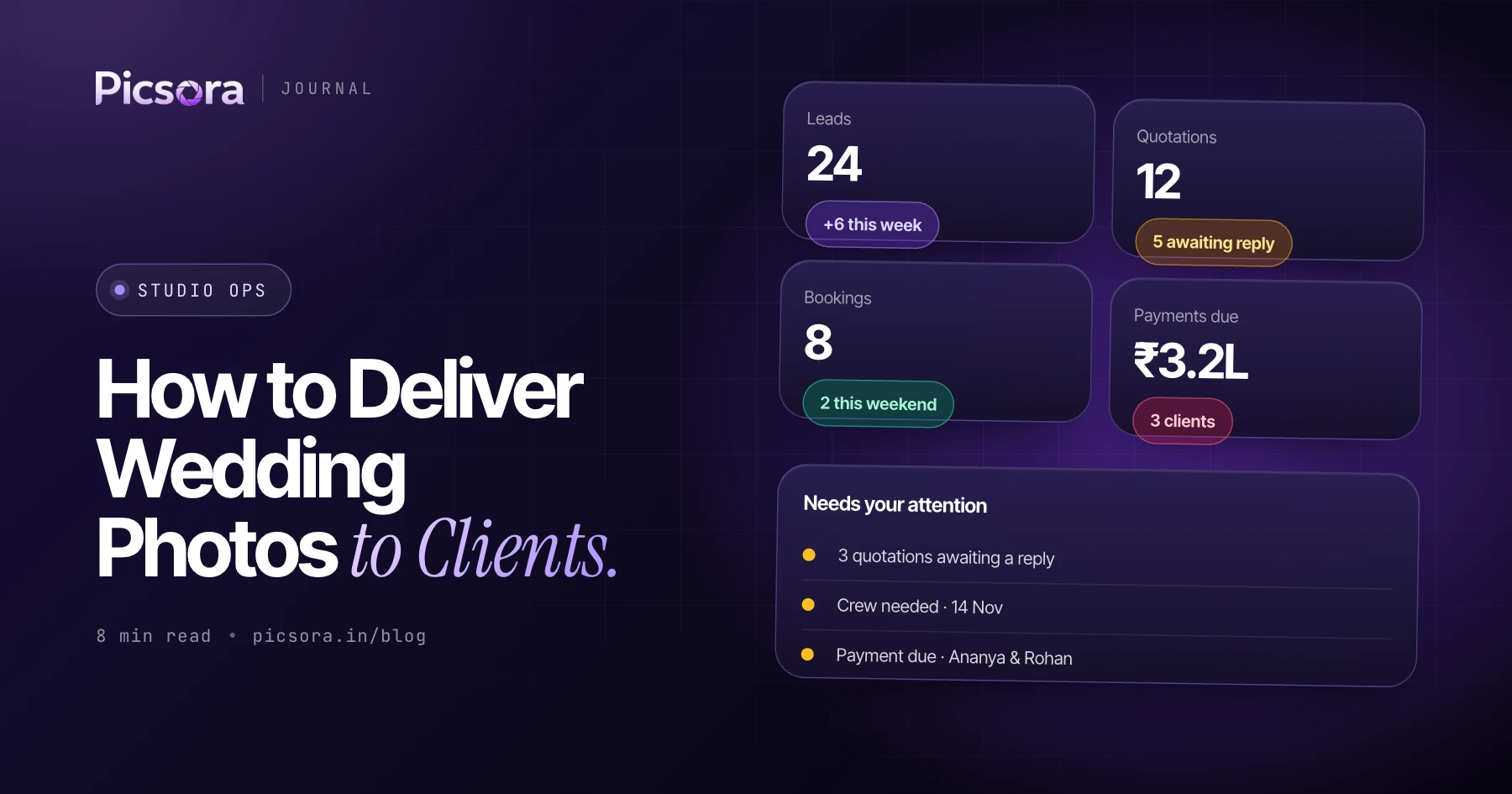
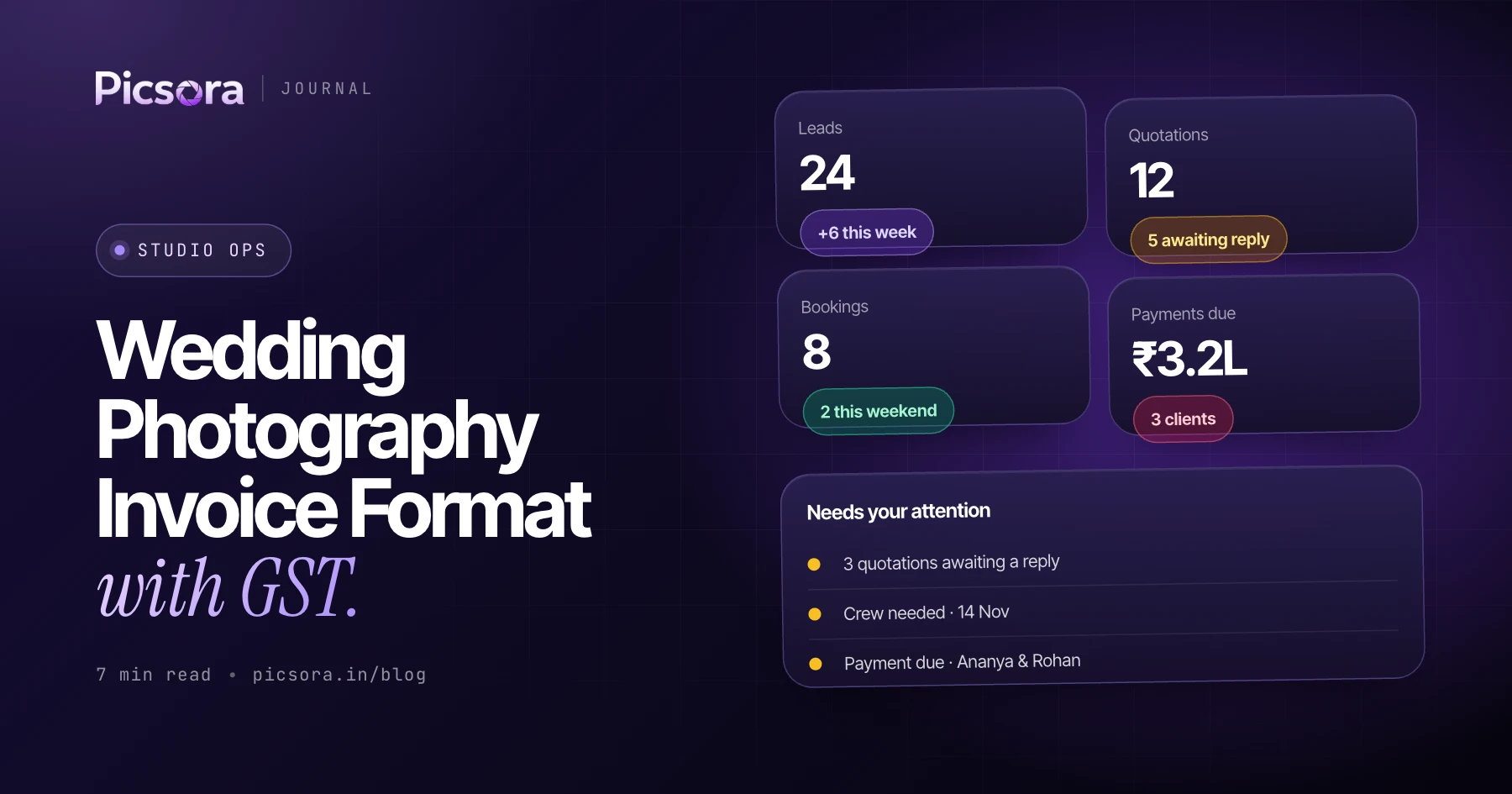
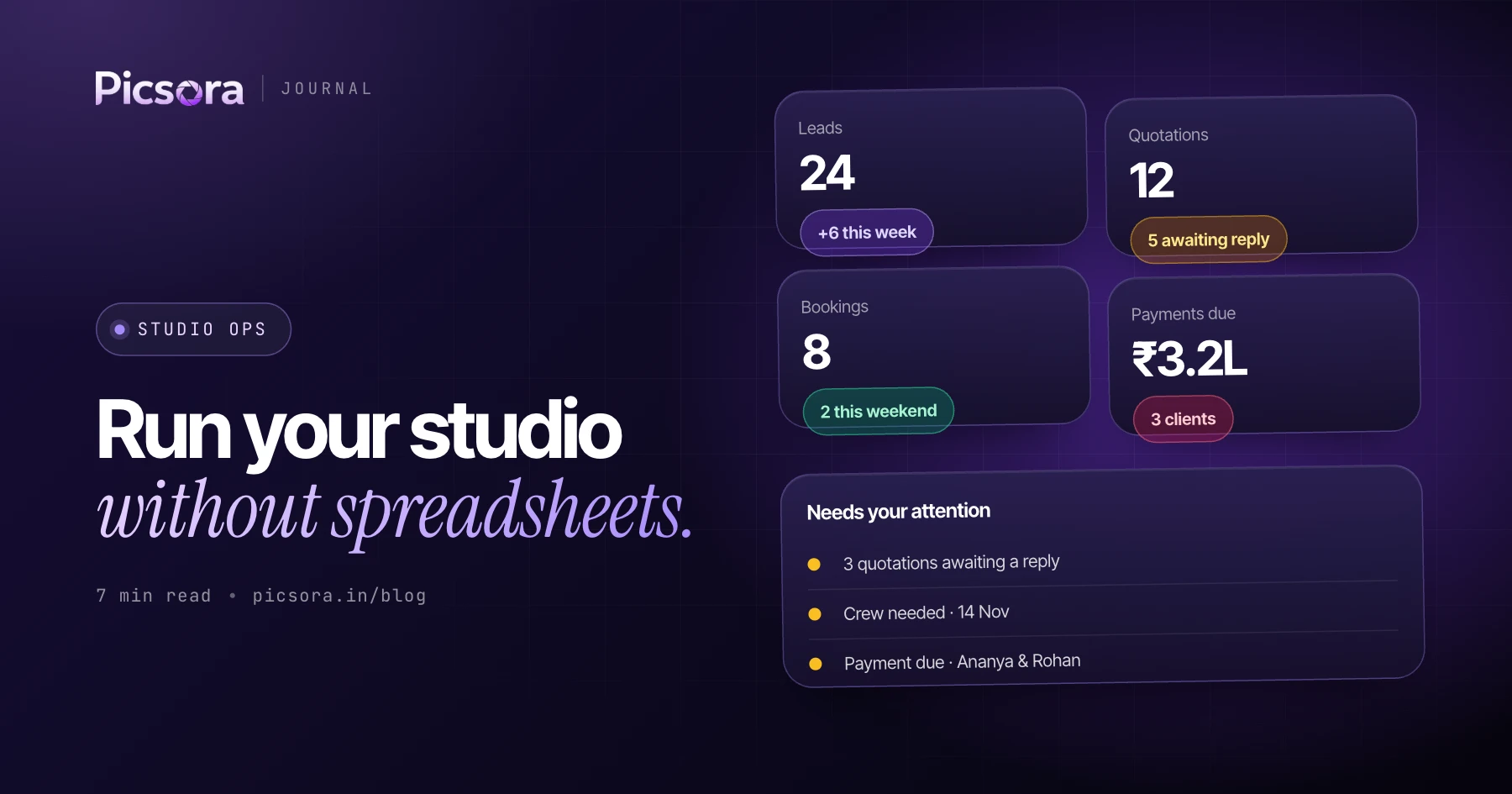
Studio CRM is built around the five things every studio already does manually, just without a system behind them:
- Leads - every enquiry, from every channel, in one pipeline with a status (new, contacted, quotation sent, booking confirmed, lost)
- Quotations - a branded, professional PDF built from your own rate card in minutes, not a WhatsApp message with a number in it
- Bookings - one click turns an approved quotation into a booking, carrying over event days, coverage, and crew automatically
- Team - crew assigned per event day, with conflict warnings if the same photographer is double-booked on the same date
- Finance - every advance and installment logged against the booking it belongs to, so "has this client paid?" has an instant answer
Quotations in minutes, not hours
The most time-consuming part of the pre-booking process is usually the quotation itself - working out pricing for a specific combination of coverage days, deliverables, and add-ons, then formatting it into something that looks professional enough to send a client. A studio CRM keeps your rate card - crew roles, day rates, deliverables, packages - saved once, then builds a quotation from it in a few clicks. Buffer margins and manual discounts apply the same way every time, so pricing stays consistent even when different people on the team are sending quotes. The result is a polished, branded PDF - not a rough number typed into a chat window - sent in minutes instead of the better part of an evening.
From approved quotation to a fully staffed booking
The handoff from "client said yes" to "this is now a real job" is where a lot of studios lose details - a coverage item quietly drops off, a date gets mistyped, nobody remembers who was supposed to shoot the reception. Converting a quotation into a booking carries every detail across automatically: event days, coverage, deliverables, pricing. From there, the booking becomes the single source of truth - assign crew per event day, track payment terms against it, and generate an invoice from its current data whenever it's needed, not from a quotation that may since have changed.
Payments that don't rely on memory
"Did they pay the advance yet?" is one of the most common questions inside a photography studio, and in most studios the honest answer is "let me check WhatsApp." A studio CRM logs every payment - advance, installment, final settlement - against its booking, with the method and date. The pending balance for any booking is always a glance away, not a scroll through a chat history seven months back.
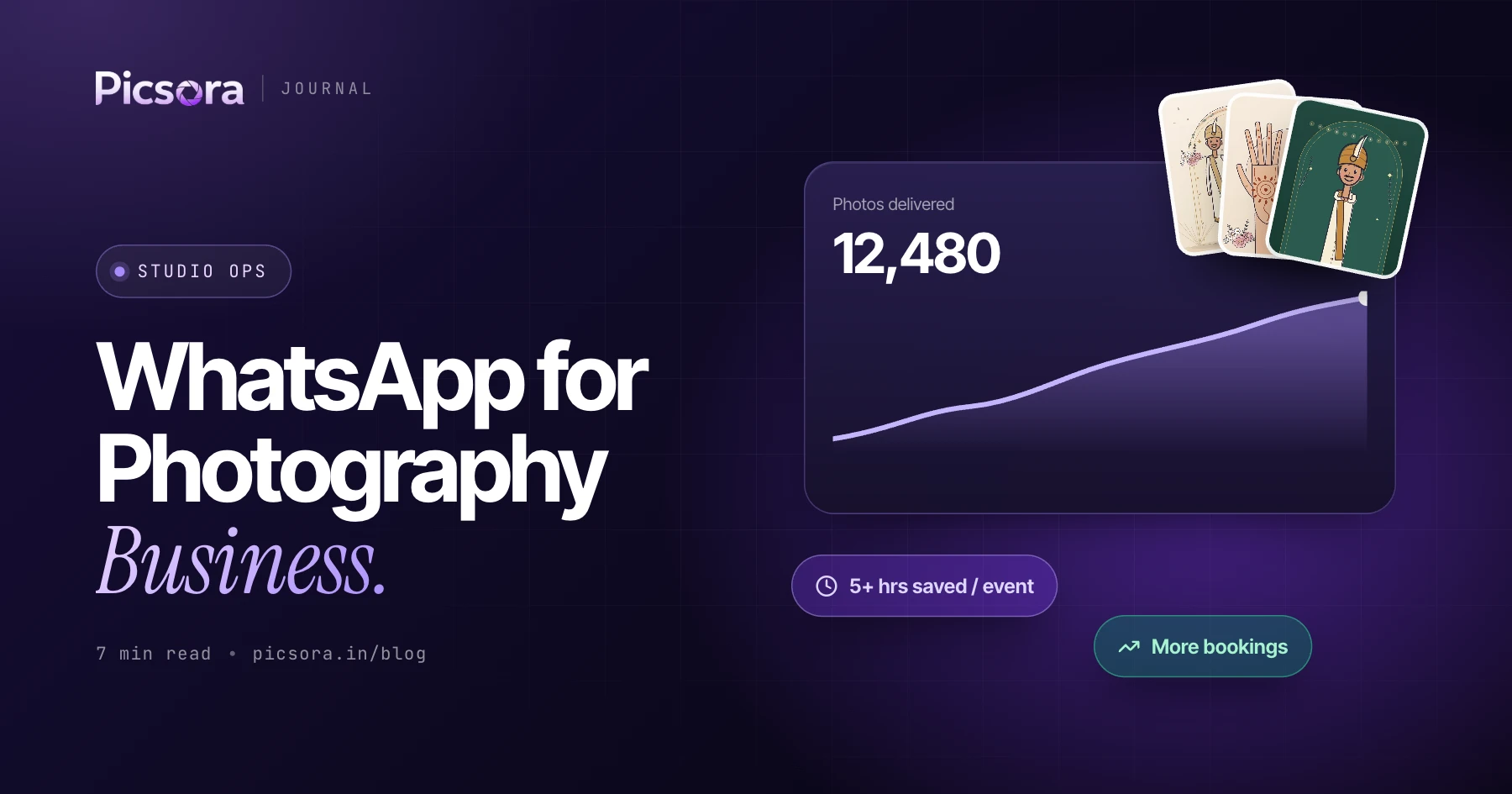
Why this pairs naturally with AI Gallery
Studio CRM and AI Gallery are genuinely two different jobs - one runs the business side, the other runs delivery - but they cover the same lifecycle end to end. A lead becomes a quotation, becomes a booking, becomes a shoot, becomes a gallery your clients and guests can access instantly. Run them together and a studio never has to leave Picsora between "someone messaged asking for a quote" and "every guest has their photos." They're sold and billed independently, so a studio can start with either one alone - but the two were designed to sit side by side.